Native LinkedIn workflow
A floating button, a smart drawer — discreet, but fully integrated.
The LinkedIn-native personal CRM
Konexion is your personal CRM — smooth LinkedIn integration, effortless follow-ups, clean notes, and flexible, programmable reminders.
Features
A floating button, a smart drawer — discreet, but fully integrated.
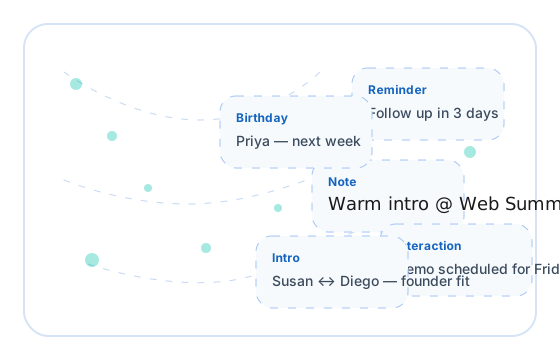
Never lose touch. Konexion nudges you at the right time.
Calls, meetings, context — saved instantly, searchable forever.
Built for speed; optimized for high-frequency use.
Not just LinkedIn: Konexion has its own website, interface and platform.
Shared context, aligned follow-ups, better outcomes.
How it works
Add Konexion to Chrome, authenticate, and you’re ready.
Your CRM follows you across profiles with zero friction.
Everything is encrypted, synced, and ready when you are.
Security
Enterprise-level encryption keeps your data protected at rest and in transit.
You control your data. We keep things simple and transparent. Export your data on demand.
Built to be fast, dependable, and resilient.
FAQ
Yes, the Konexion button lives in LinkedIn, and floats above the top-right of the screen. Click on it to view Konexion. The extension shows you additional information you have stored regarding the profile you are currently viewing. Take notes on contacts and interactions directly from the LinkedIn window.
Yes. Import tools are available in Settings, and export tools are in development. You always retain full control of your data.
Your data is encrypted using enterprise-level architecture, and under your control.
No. All features are currently free during our beta period — no credit card required.
Yes — Konexion is a mobile-optimised progressive web app. Just open it in your mobile browser while logged in and you'll automatically get the mobile experience. You can also add it to your home screen for an app-like feel.
Join the operators who keep relationships warm without leaving LinkedIn.
Start typing to see results...